
ZeroTrace Proxy
Build a Quality Pool
Turn checked proxy results into a reusable, tagged pool.
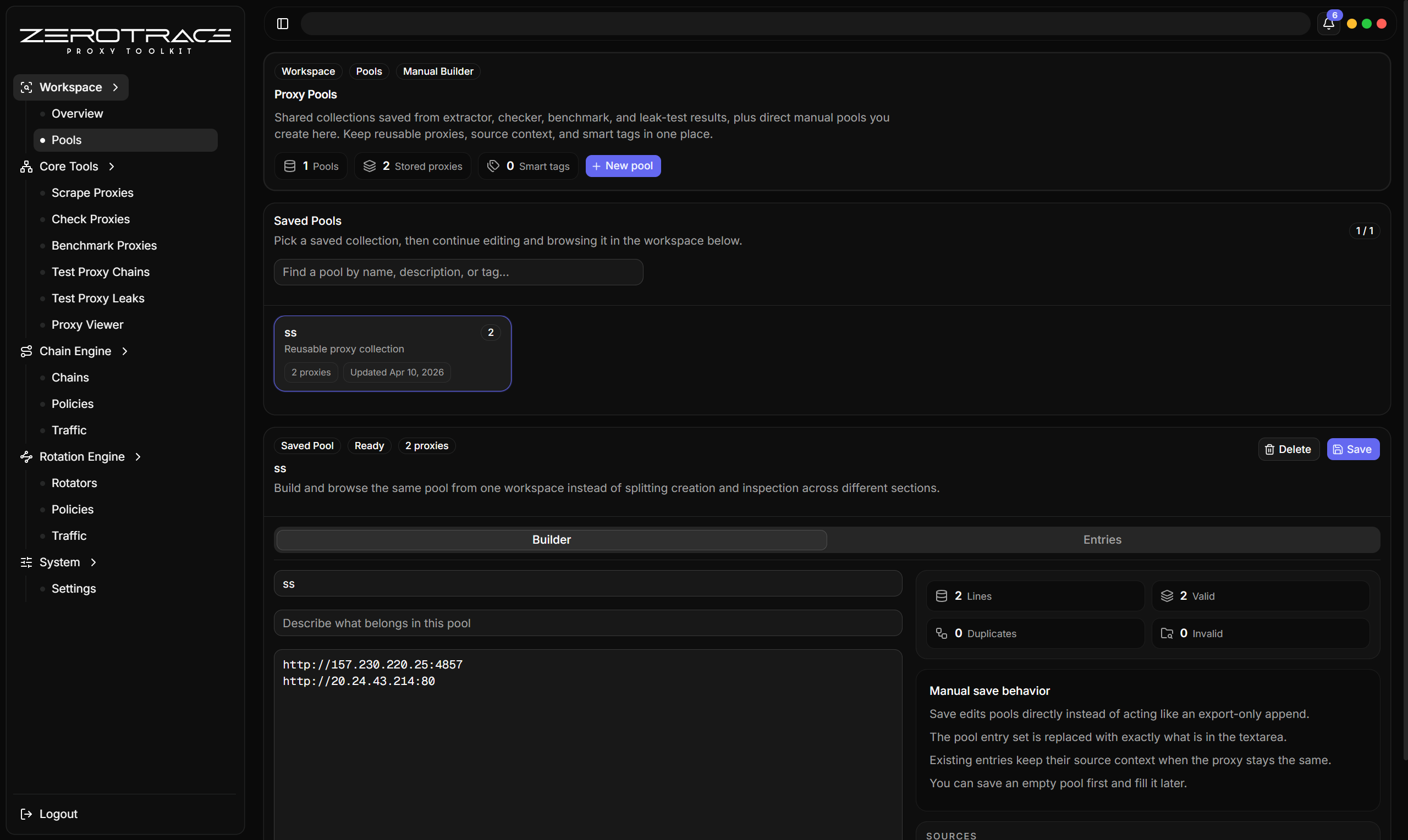
Pools are durable collections. Use them when a result table has candidates you want to reuse later in benchmarks, leak tests, rotators, or exports.
1. Start From Checked Rows
The best pool input is a checker or benchmark result table. Avoid saving raw extracted rows unless you are intentionally preserving unverified source material.
Recommended filter:
| Filter | Suggested value |
|---|---|
| Status | Alive |
| HTTPS | Supported |
| Quality | Medium or High |
| Latency | Depends on your workflow |
| Anonymity | Prefer anonymous, or elite after a leak test |
2. Save To Pool
- Select the rows you want.
- Click Save to pool.
- Choose Create new pool.
- Name it
Checked HTTPS Pool. - Add a description such as
Alive HTTPS candidates from April test run. - Add tags such as
checked,https,benchmark-next. - Save.
3. Merge Later Runs
When you run another checker task:
- Select new winners.
- Open Save to pool.
- Choose the existing pool.
- Use merge behavior.
- Let ZeroTrace Proxy dedupe exact proxy strings and merge tags/source metadata.
4. Maintain the Pool
| Action | When |
|---|---|
| Remove entries | A proxy repeatedly fails or leaks. |
| Add tags | You want to track source, quality, or workflow stage. |
| Re-check pool | Before using older saved entries. |
| Benchmark pool | Before using a pool in rotation. |
| Leak-test pool | Before exporting or using for anonymity-sensitive work. |
Pool Naming
Good names are specific:
US HTTPS checkedBenchmark winnersLeak clean AprilRotation candidates
Avoid names like good, new, or test unless the pool is temporary.
Pools preserve source tool and task metadata. That makes it easier to understand where a proxy came from later.